
Smart Home Automation Ideas: 25+ Ways to Save Time, Energy, and Money
Discover practical smart home automation ideas for lighting, security, climate control, and more. Step-by-step setup tips, real product picks, and budget-friendly starting points.
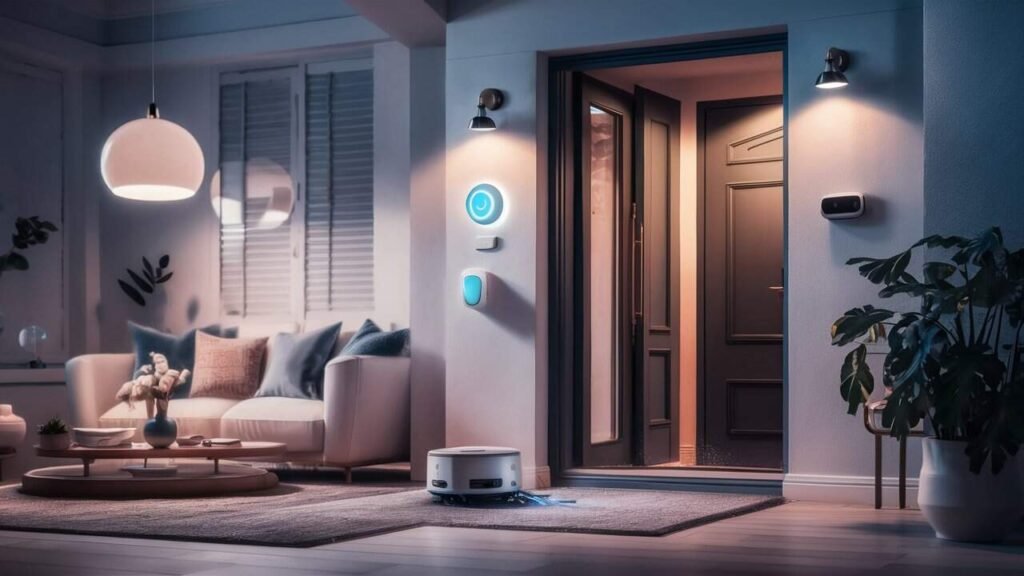
Dream of stepping into a world where your home greets you with a warm good morning as your lights turn on and your favorite playlist starts? That’s what smart home automation turns into reality. Picture your thermostat adjusting the moment you leave for work, your doors locking through geofencing, and your robot vacuum starting its daily round — all without you lifting a finger.
The beauty of a connected home isn’t in flashy gadgets. It’s in the small moments that stack up: your blinds closing during the hottest afternoon hours to keep rooms cool, a water leak sensor catching a drip under the sink before it becomes a flood, or a phone notification telling you the garage was accidentally left open.
Whether you want to cut your energy bill, add a security layer, or simply make mornings less chaotic, there’s a starting point for every budget. Smart plugs cost as little as $10, and you don’t need to be tech-savvy to get going. Let’s walk through the ideas that actually make a difference.
Why Invest in Smart Home Automation?

The US smart home market was valued at over $35 billion in 2023, and the reason people stick with it isn’t the novelty — it’s the time and money they get back. Home automation handles the repetitive tasks that eat into your day, from adjusting thermostats to checking locks before bed. None of these tasks takes more than 30 seconds on its own, but they add up fast.
Benefits of integrating automation into your living space
- Hands-free control over lighting, temperature, locks, and appliances from a single app or voice command
- Lower utility bills — a smart thermostat alone can reduce heating and cooling costs by 10–15% annually, according to EPA ENERGY STAR
- Real-time security alerts that keep you informed whether you’re at work or on holiday
- Gradual scaling — start with one device and expand at your own pace without replacing your entire setup
How automation makes daily tasks more efficient
- Schedule lights, locks, and climate control to run on their own so you don’t have to think about them
- Remotely monitor and control your home from anywhere through a smartphone app
- Receive instant alerts — like a notification when a door is left open or a water sensor detects moisture
- Use geofencing to trigger actions based on your phone’s location, such as unlocking the front door as you pull into the driveway
The impact of smart home automation on energy efficiency
- Automate HVAC systems to heat or cool only when someone is home, cutting wasted energy
- Schedule water heaters to run during off-peak hours — controllers like Rheem EcoNet can reduce energy use by 10–20%
- Use motorized blinds to block afternoon sun, which can raise room temperature by 5–10°F on south- and west-facing windows
- Monitor real-time energy consumption with plugs like the Kasa EP25 or whole-home monitors like Emporia Vue
Smart Lighting Solutions to Brighten Your Home
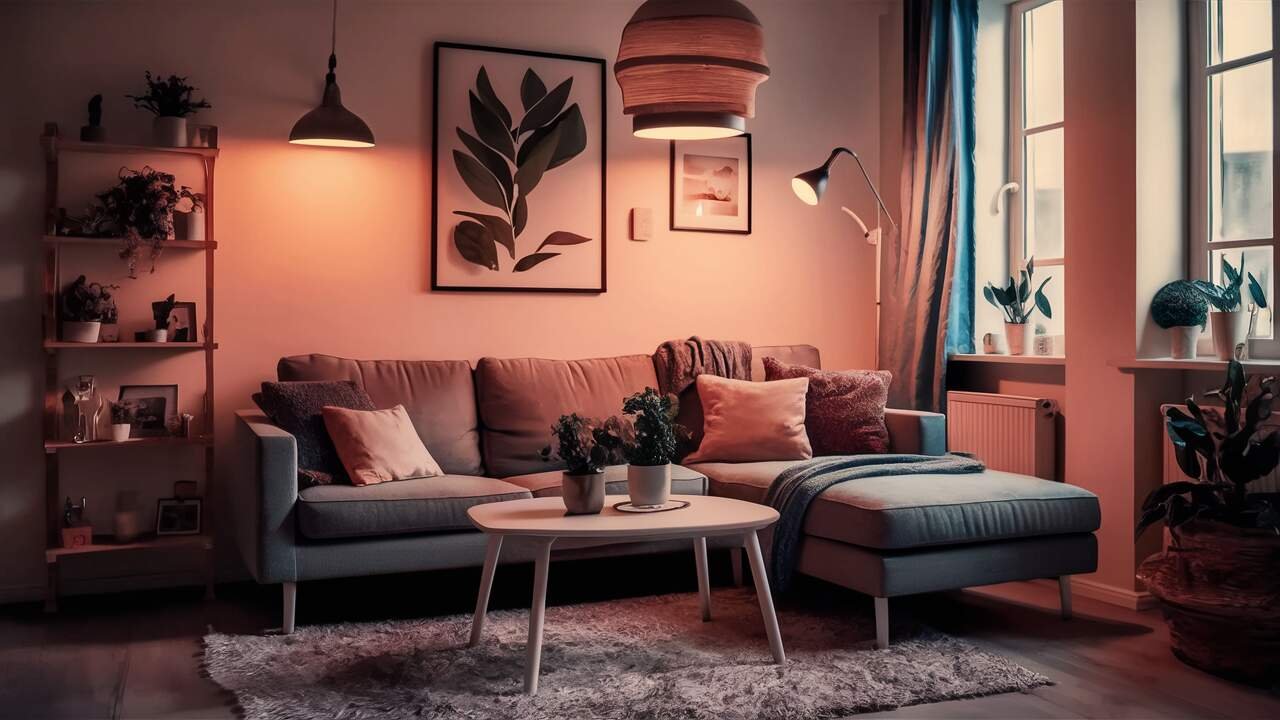
Smart lighting is usually the first step people take into home automation, and for good reason — it’s affordable, easy to install, and immediately noticeable. A basic smart bulb from Philips Hue or LIFX costs between $10–$15 and screws into your existing fixtures. No electrician needed.
Once installed, the possibilities go far beyond turning lights on and off from your phone. You can automate lighting based on the time of day, room occupancy, or even the amount of natural light coming through your windows.
Automating ambiance: smart lighting ideas that work
- Set customized scenes for different activities — bright white for cooking, warm amber for winding down in the evening
- Schedule lights to follow sunrise and sunset times so they adjust automatically throughout the year
- Use presence sensors instead of basic motion sensors — they detect stationary occupants, so lights won’t turn off while you’re reading on the couch
- Install under-cabinet LED strips in the kitchen that activate when you walk in at night — battery-powered options require no wiring
Setting the mood with voice-activated smart lighting
- Control brightness, colour, and entire lighting scenes through Alexa, Google Assistant, or Siri
- Say “goodnight” to trigger a full shutdown — all lights off, doors locked, thermostat lowered — without touching a single switch
- Pair voice commands with a smart speaker like an Amazon Echo or Google Nest Hub for a hands-free experience while cooking or getting ready
Energy management and savings through smart lighting
- Lights automatically turn off when rooms are unoccupied, which eliminates the “left the lights on” problem entirely
- Smart bulbs use LED technology, consuming up to 75% less energy than traditional incandescent bulbs
- Use ambient light sensors to dim artificial lights when natural daylight is sufficient, further reducing electricity usage
Optimizing Comfort with Smart Thermostats and Blinds
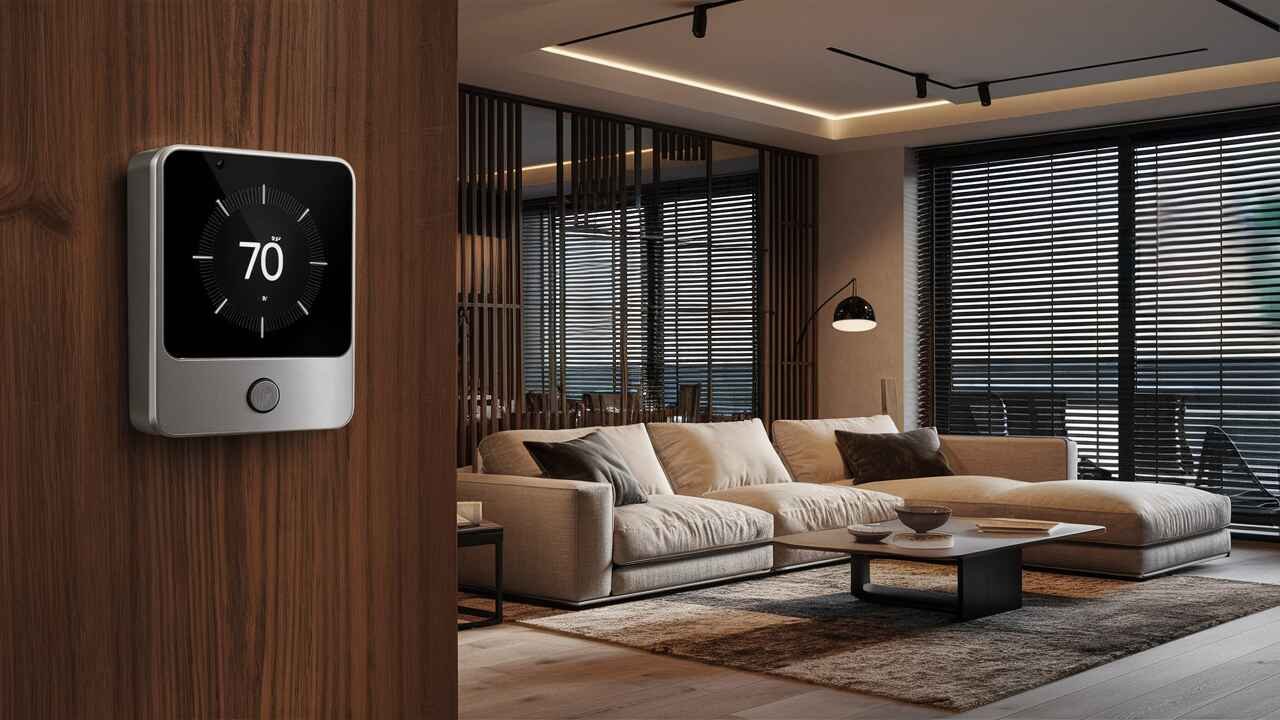
Temperature control is where smart home automation starts saving serious money. The Ecobee Smart Thermostat, for instance, reports average annual savings of around $226. The Google Nest Learning Thermostat learns your schedule within the first week and begins adjusting on its own. Both work with additional room sensors to address hot and cold spots throughout the house.
Paired with automated blinds, you get a climate control system that reacts to both your habits and the weather outside.
Adjusting the temperature for every season with a smart thermostat
- Set your thermostat to drop to 60–67°F at bedtime — the range recommended by the National Sleep Foundation for deeper, more restful sleep
- Link your thermostat to your phone’s location so heating and cooling switch off when you leave and start again before you return
- Use room-specific sensors to balance temperature across different areas, so the upstairs bedroom isn’t stuffy while the living room is freezing
- Receive alerts if your HVAC system is running unusually long, which may indicate a filter change or maintenance issue
Automated blinds and curtains: controlling natural light
- Program motorized blinds to close between 1–4 PM during summer, blocking the direct afternoon sun that raises indoor temperatures
- IKEA’s FYRTUR blackout blinds offer an affordable entry point and integrate with most major smart home platforms
- Coordinate blinds with your thermostat — when the house hits a certain temperature, blinds lower automatically to reduce cooling load
- Set bedroom blinds to open gradually alongside a sunrise simulation alarm, creating a gentle, natural wake-up experience
Creating the perfect environment with combined automation
- Link thermostat and blinds into a single “climate scene” — one command adjusts temperature, closes blinds, and turns on a fan if needed
- Use humidity sensors alongside your thermostat to trigger ventilation in rooms prone to dampness, like bathrooms and basements
- Monitor seasonal patterns through your smart thermostat’s energy reports and adjust schedules for maximum savings
Enhancing Home Security with Smart Devices
Security is one of the strongest reasons to invest in smart home automation. A basic setup — a video doorbell, a smart lock, and a few contact sensors — can be put together for under $200 and gives you visibility and control whether you’re inside the house or a thousand miles away.
Securing your home with smart locks and cameras
- Smart locks like the Schlage Encode and Yale Assure let you create unique access codes for family members, cleaners, or guests — with a timestamped log of every entry
- Video doorbells from Ring, Arlo, and Google Nest send motion-triggered video alerts straight to your phone, with local or cloud storage options
- Use contact sensors on windows and ground-floor doors — a set of four typically costs under $30 and sends an instant alert if anything opens while you’re away
- The Nest Protect smoke and carbon monoxide detector tells you exactly which room triggered an alert, not just a generic beep somewhere in the house
Geofencing and instant notifications for peace of mind
- Connect your smart locks to geofencing — when your phone leaves a set radius around your home, doors lock automatically
- Receive real-time alerts when motion is detected, a window opens, or someone rings the doorbell
- Arm or disarm your security system remotely or through a voice command when your hands are full
- Link your garage door controller (like myQ) with contact sensors so it closes automatically if left open after a set time at night
Building a layered security system
- Combine smart locks, cameras, sensors, and smoke detectors into a single app for a unified view of your home’s security
- Customize notification rules — for example, only get alerted during work hours, or when specific doors open
- Smart outdoor lighting activates when motion is detected, which research shows is one of the most effective deterrents against opportunistic break-ins
Convenience at Your Command: Voice-Activated Assistants and Smart Appliances
Voice assistants like Alexa and Google Assistant are the glue that holds a smart home together. They let you control devices, check schedules, and manage routines without reaching for your phone. But beyond voice control, smart appliances are quietly becoming some of the most practical additions to modern homes.
Streamlining household tasks with voice commands
- Ask your smart speaker to start the coffee maker, set timers, or switch off every light in the house with a single command
- Sync your calendar with Amazon Echo or Google Nest devices for verbal reminders about appointments and upcoming events
- Create multi-step routines — saying “I’m home” could turn on the hallway light, set the thermostat to 72°F, and start your evening playlist
- Use devices like SwitchBot to make older appliances voice-controllable — it physically presses your coffee maker’s button on schedule each morning
Voice assistants for everyday information
- Get weather updates, news briefings, and traffic reports while you’re getting dressed in the morning
- Set voice-activated timers and reminders hands-free while cooking or cleaning
- Use multi-room announcements to call the family to dinner or remind kids it’s time to leave for school
Smart appliances for the kitchen and beyond
- Refrigerators like the LG ThinQ and Samsung Family Hub send an alert to your phone if the door is left open — especially useful with kids in the house
- Attach a vibration sensor to your washing machine and get a push notification the moment the spin cycle ends — no more forgotten wet laundry
- Automated pet feeders let you schedule feeding times and portion sizes, keeping your pet’s routine consistent even when you’re not home
- Smart plugs ($10–$15 each) let you add scheduling and voice control to almost any appliance — lamps, fans, heaters, even a slow cooker
Everyday Automations You Didn’t Know You Needed
Beyond the usual lights-and-locks setup, there’s a layer of automation that most people don’t discover until they’ve lived with a smart home for a while. These are the automations that solve small, specific problems — and once you have them, you won’t go back.
Water management and leak prevention
- Place smart water leak sensors near your water heater, under sinks, and behind the washing machine — a $20 sensor can prevent thousands in flood damage by alerting you at the first sign of moisture
- Smart irrigation controllers like Rachio and RainBird pull local weather data and automatically skip watering when rain is forecast — the EPA estimates this can reduce outdoor water use by up to 50%
- Pair smart sprinklers with soil moisture sensors to water your garden only when the ground actually needs it
Cleaning and household chore automation
- Schedule a robot vacuum to clean while you’re at work — you come home to clean floors every day without thinking about it
- Program your bathroom ventilation fan to activate automatically when a humidity sensor detects levels rising above a set threshold — this prevents mould and moisture buildup without you having to remember to switch the fan on
- Use a smart plug with an auto shut-off timer on your iron or hair straightener so you never have to wonder if you left it on
Family and pet convenience
- Radio-frequency sensors in your pet’s collar can control an automated pet door, so it only opens when your pet approaches — no stray animals getting in
- Use parental controls on your Wi-Fi router or smart plugs to limit kids’ screen time during homework hours
- The Yale Cabinet Lock mounts inside cabinets and only unlocks when your iPhone is nearby — keeping medicine, cleaning supplies, and alcohol out of reach
- Attach contact sensors to a toolbox or storage shed to get an alert if someone accesses your equipment
Automating Entertainment for a Lively Living Space
Entertainment automation is where smart homes go from practical to genuinely enjoyable. A single command can transform your living room from a bright, everyday space into a home theater — and back again when the movie ends.
Smart entertainment systems for an immersive experience
- Connect your TV, streaming devices, and soundbar into a single scene — one tap or voice command powers everything on and sets inputs correctly
- Sync accent lighting behind your TV with on-screen content for an ambient viewing experience that reduces eye strain in dark rooms
- Use a scene controller mounted on the wall to switch between “movie night,” “gaming,” and “everyday” lighting and audio setups
Revolutionize your home theater with automation
- Lights dim automatically and blinds close when you start a movie — no need to get up and adjust anything
- Set a “pause” scene that brings the lights up to 30% brightness when you pause the movie, then dims them again when playback resumes
- Smart power strips eliminate standby drain from your TV, console, and soundbar — the US Department of Energy estimates standby power accounts for up to 10% of a home’s electricity use
Music and audio throughout your home
- Create playlists that follow you room to room — music pauses in the kitchen and starts in the living room as you move
- Sync smart speakers across multiple rooms for whole-home audio during parties or weekend mornings
- Set a gentle music alarm in the bedroom that gradually increases in volume alongside your sunrise light simulation
Getting Started Without Getting Overwhelmed
The biggest reason people hesitate isn’t cost — it’s not knowing where to begin. Here’s a straightforward approach that works:
- Start with one problem. Not a room, not a whole system. Pick the one thing that frustrates you most — lights left on, forgetting to lock the door, or a cold house when you get home. Fix that first.
- Pick one ecosystem and stick with it. Amazon Alexa, Google Home, and Apple HomeKit are the three main options. Choose whichever matches the devices you already own. Mixing platforms creates compatibility headaches.
- Start with plug-in devices. Smart plugs and smart bulbs are the easiest entry points — no wiring, no electrician, and most cost under $20.
- Skip the hub for now. Most modern devices connect directly over Wi-Fi. Add one device at a time, test how it fits your routine, then move to the next.
- Build gradually. A few well-chosen automations that solve real problems beat a house full of gadgets you never use. Add devices as you discover new needs — not before.
FAQs
What are the most popular home automation devices?
Smart lighting (like Philips Hue), smart thermostats (Ecobee and Google Nest), video doorbells (Ring and Arlo), smart locks (Schlage and Yale), and voice assistants (Amazon Echo and Google Nest Hub) are the most widely adopted devices. These cover lighting, climate, security, and convenience — the four areas where automation has the most visible day-to-day impact.
What are the three most common uses of home automation?
The three most common uses are:
- Energy efficiency — automating thermostats, lighting, and water heating to reduce utility bills
- Security — using smart locks, cameras, and sensors to monitor and protect the home
- Convenience — controlling devices through voice commands, schedules, and location-based triggers
What is the most requested smart home feature?
Smart lighting consistently ranks as the number one feature people want to control with home automation. It’s the easiest to install, the most affordable starting point, and the automation people interact with most frequently throughout the day.
How much does it cost to automate your home?
You can start for under $50 with a few smart plugs and bulbs. A mid-range setup covering lighting, a thermostat, a video doorbell, and a smart lock typically costs $300–$500. Full-home automation with smart blinds, security cameras, irrigation, and energy monitoring can run $1,000–$3,000, depending on home size. The key is to start small and expand over time.
Which smart home ecosystem is easiest to set up?
Amazon Alexa and Google Home are the easiest to set up and have the widest device compatibility. Apple HomeKit offers tighter privacy and a more curated device list, but it works best if you’re already in the Apple ecosystem. The best choice depends on the devices and phones you already own.
What are the disadvantages of home automation?
Initial setup costs can add up, though individual devices are increasingly affordable. Some devices rely on a stable internet connection to function properly. Privacy and data security are valid concerns — choose brands with strong security track records. Compatibility between different brands and platforms can also require research before buying.